
Metal Detector Not Working? Here’s How to Fix It Easily

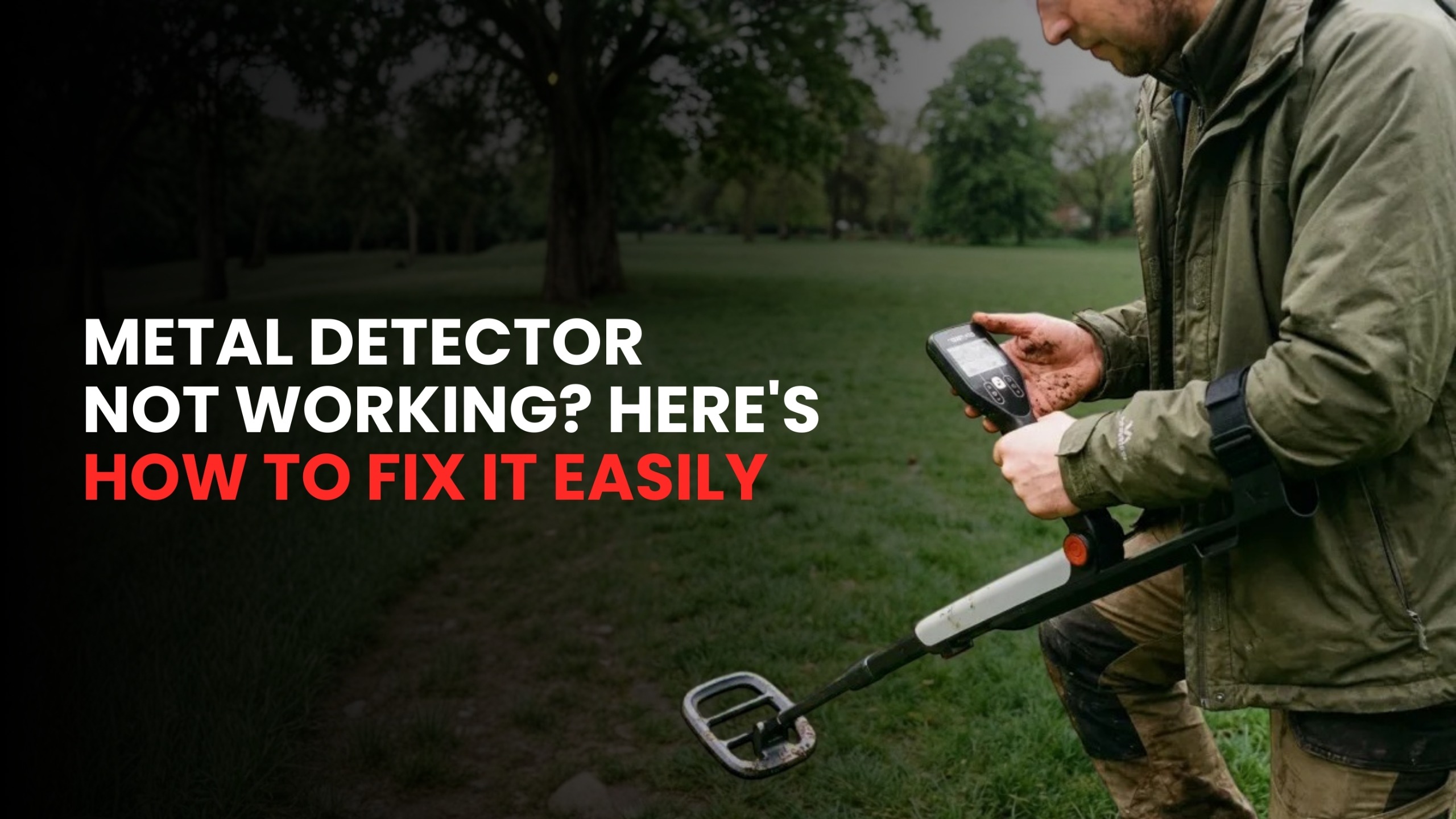
If your metal detector isn’t working, don’t worry! Whether you own a Minelab metal detector or another brand, most issues can be fixed with a few simple steps. In this guide, we’ll cover the most common problems people face with metal detectors and how you can easily fix them yourself.
1. My Metal Detector Won’t Turn On – What Should I Check First?
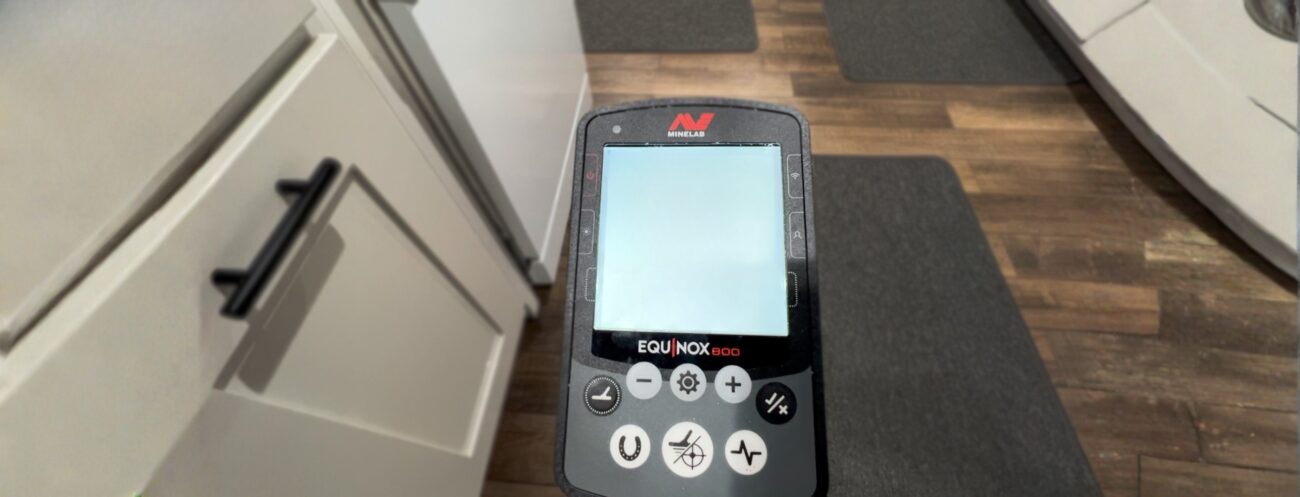
One of the most common problems is when the metal detector won’t turn on. Don’t panic; this is usually an easy fix!
What to Do:
- Check the Battery: First, make sure the battery is properly installed. If it’s a rechargeable battery, try charging it to full capacity. If you’re using regular batteries, check if they need replacing.
- Clean the Battery Contacts: Over time, dirt or corrosion can build up on the battery contacts, making it hard for the detector to turn on. Use a dry cloth to clean the battery compartment and contacts.
- Make Sure Everything’s Connected: Sometimes the battery pack or other parts can get loose. Check that everything is securely connected.
2. My Metal Detector Is On, But It’s Not Detecting Anything – What’s Wrong?
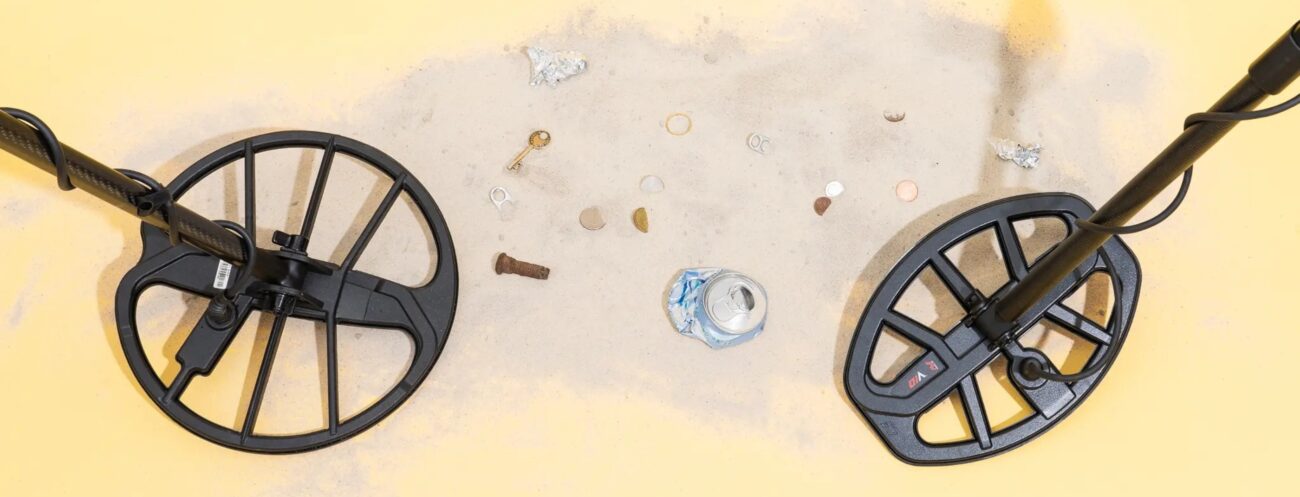
If your detector turns on but doesn’t detect anything, it’s often a problem with the settings or connections.
What to Do:
- Check the Coil: The coil is where all the action happens. If it’s loose or disconnected, the detector won’t work properly. Make sure the coil is tightly attached.
- Adjust the Sensitivity: If the sensitivity is too low, it may not detect smaller objects. Increase the sensitivity to make the detector more responsive.
- Ground Balance: Metal detectors need to adjust for the ground they are searching. If you’re in a mineral-rich area, adjust the ground balance to reduce interference from the soil.
3. My Metal Detector Is Giving False Signals – Why Is This Happening?
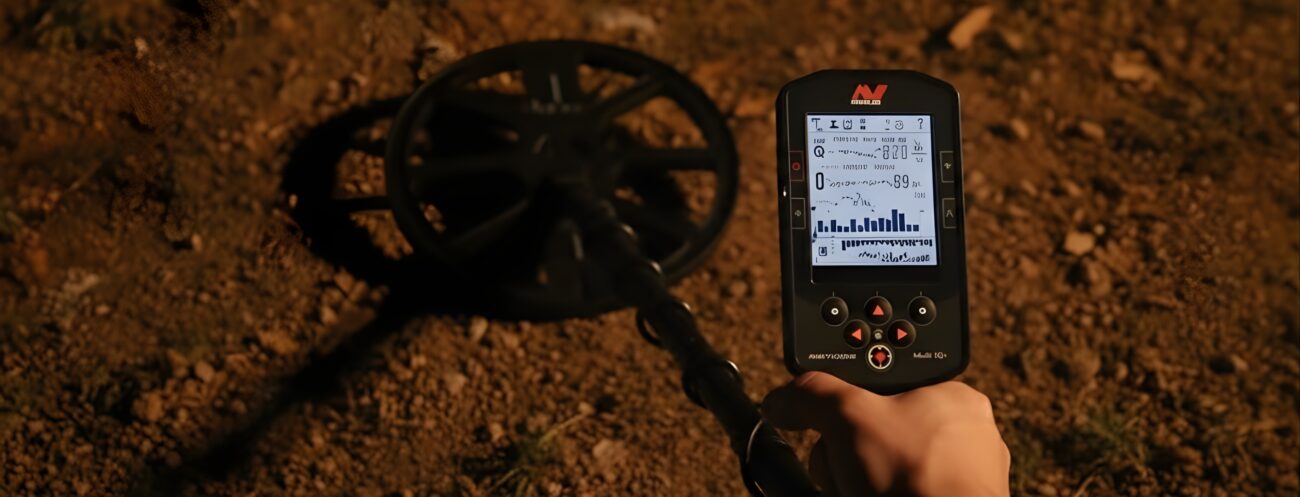
False signals happen when the detector picks up unwanted metals or electrical interference. This can be annoying, but it’s easy to fix.
What to Do:
- Adjust Sensitivity: If your detector is picking up false signals, try lowering the sensitivity. High sensitivity can sometimes cause the detector to go off when it’s near electrical sources or large pieces of metal.
- Move to a Different Spot: If you’re near power lines, large metal objects, or electronic devices, try moving to a new location to reduce interference.
- Use Ground Balance: Adjusting the ground balance on your detector will help it ignore the minerals in the soil and focus on detecting real targets.
4. The Coil Is Loose or Wobbly – How Can I Fix It?
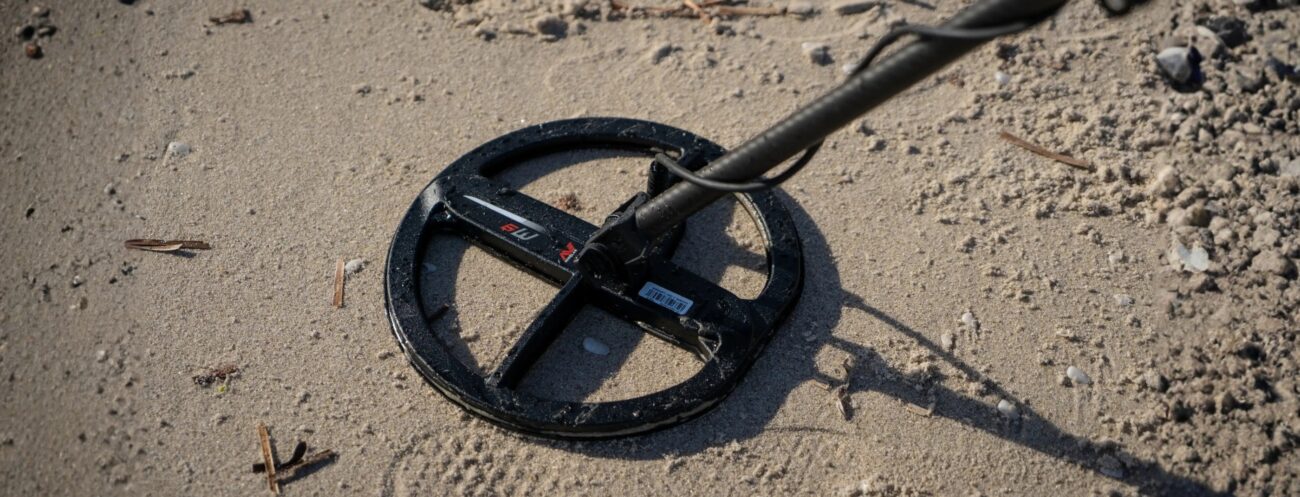
A loose or wobbly coil can cause unstable readings and prevent the detector from working properly.
What to Do:
- Tighten the Coil: Make sure the coil is firmly attached to the detector. If it’s loose, tighten it carefully.
- Check for Damage: Look for any cracks or damage on the coil. If the coil is damaged, it might need to be replaced.
- Inspect the Cable: The cable that connects the coil to the detector can get damaged or frayed. Check for any visible signs of wear and tear.
5. My Metal Detector Is Showing Overload or No Motion – What Does It Mean?
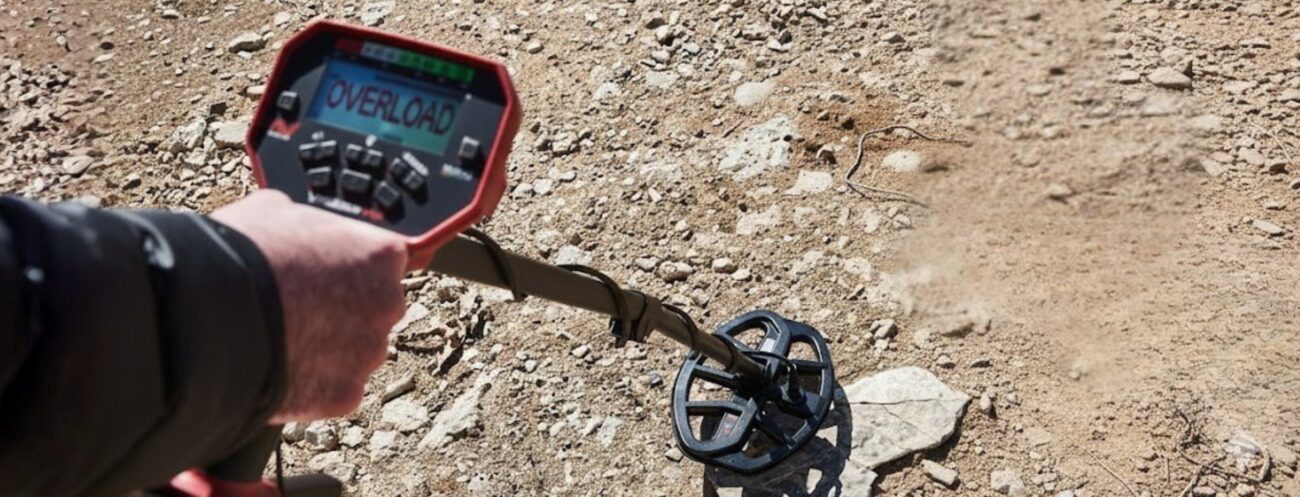
If your metal detector shows an “Overload” or “No Motion” message, this is usually due to an issue with the settings or environment.
What to Do:
- Move Away from Large Metal Objects: An overload message can appear if the detector is near large pieces of metal, like pipes or electrical wires. Try moving to a different location.
- Reset the Detector: If the “No Motion” error appears, try resetting the detector. Turn it off and back on to reset its internal settings.
- Calibrate the Settings: Make sure the ground balance and sensitivity settings are adjusted correctly for your location.
6. My Metal Detector Is Giving Weak Signals – What Can I Do?

If your metal detector’s signals are weak, it might be due to low battery power, incorrect settings, or poor connections.
What to Do:
- Check the Battery: Weak signals can happen when the battery is low. Replace or recharge the battery.
- Increase Sensitivity: If the detector is only giving weak signals, try increasing the sensitivity to improve its detection range.
- Change the Coil: If you’re searching for deeper targets, use a larger coil to help detect objects buried deeper in the ground.
7. How to Maintain Your Metal Detector for Longevity
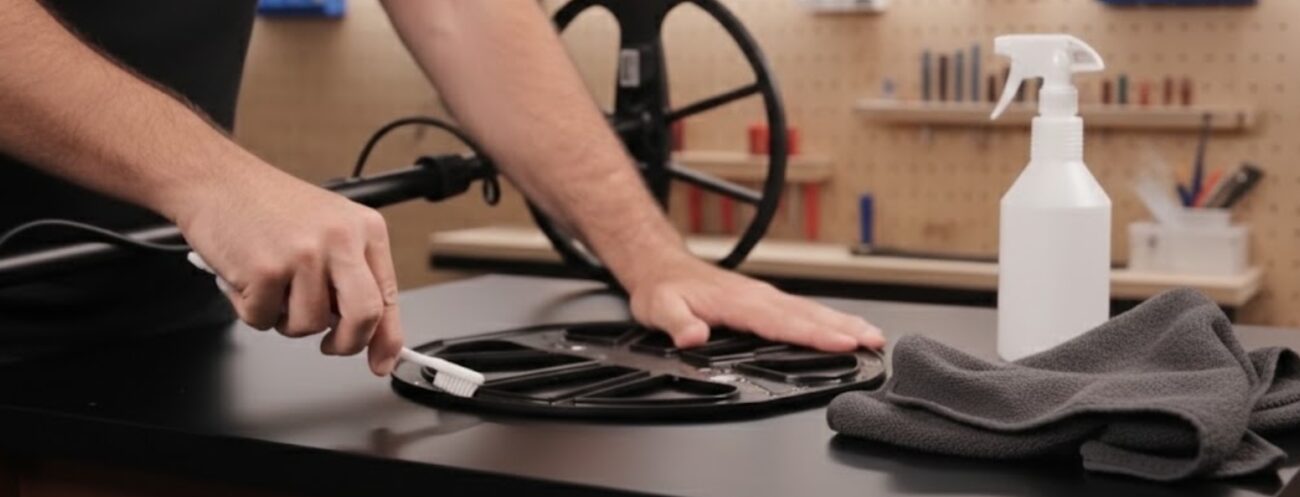
Regular maintenance will help keep your metal detector working for years to come. Here are some easy tips:
Maintenance Tips:
- Clean Your Detector: After every use, wipe down your detector, especially the coil, to remove dirt and debris. This will help keep it working smoothly.
- Check the Coil and Cables: Regularly inspect the coil and cables for any damage or wear. If you notice anything broken, replace it as soon as possible.
- Store Properly: When you’re not using your detector, store it in a cool, dry place. Avoid leaving it in areas with high humidity or extreme temperatures.
8. When Should I Call a Professional for Repair?
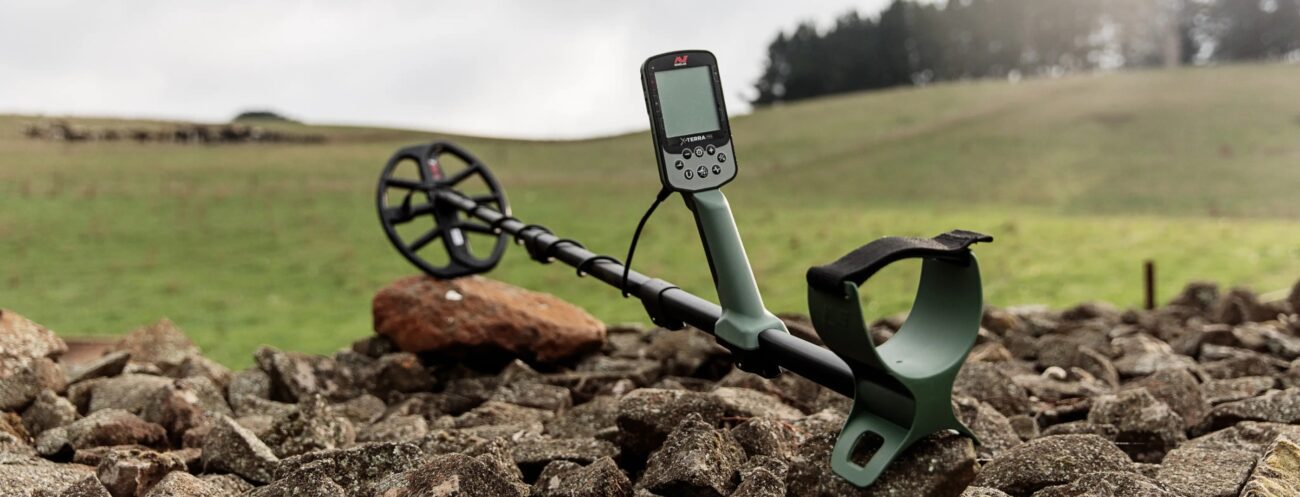
Sometimes, despite all your efforts, the metal detector still won’t work. If this happens, it may be time to reach out to a professional.
Signs You Need Professional Help:
- The detector won’t turn on even after changing the battery.
- There’s internal damage to the circuitry.
- The coil or cables are severely damaged.
In these cases, it’s best to contact an authorised repair centre or a trusted professional to get your Minelab metal detector fixed properly.
Conclusion: Fixing Your Metal Detector
A metal detector not working doesn’t always mean you need to replace it. Most problems are easy to fix with a few simple adjustments or repairs. Whether it’s a dead battery, a loose coil, or false signals, the issues can usually be solved with the right knowledge.
If you’re using a Minelab metal detector, you can rest assured that you’re using some of the most reliable and durable equipment on the market. However, even the best detectors need regular maintenance and occasional troubleshooting.
Call to Action:
If your Minelab metal detector is still not working after troubleshooting, don’t hesitate to contact us. Our expert team offers repair services, troubleshooting, and support to get you back to treasure hunting quickly!